Booster ModesUpdated 2 months ago
Which modes apply depends on which Booster you have. See Which Booster do I have? in WiFi Booster.
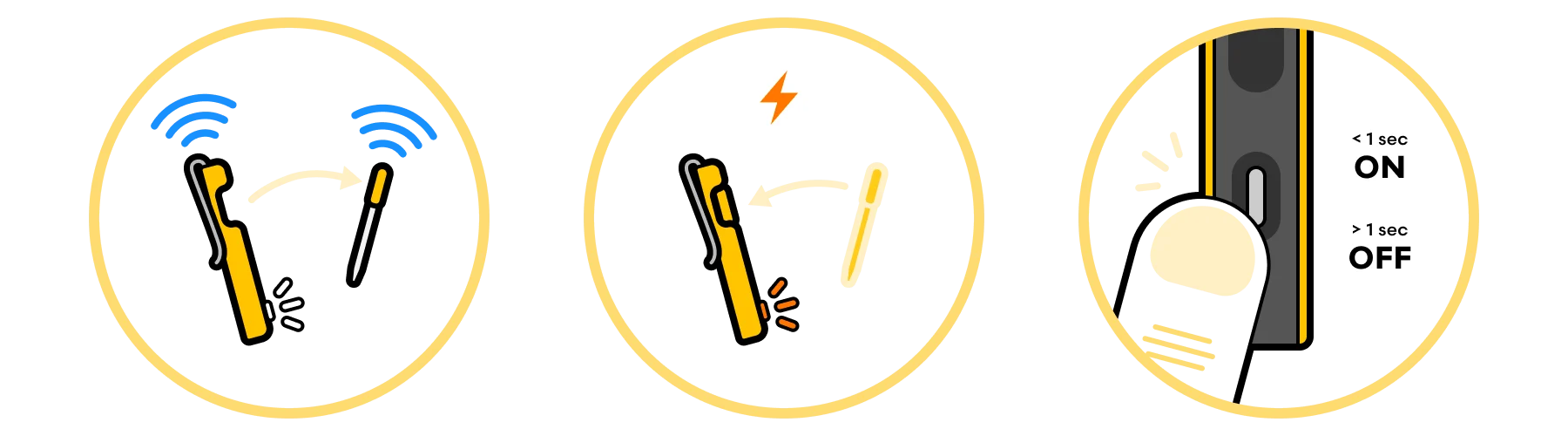
Range-extending mode (MeatNet™)
The Booster works with other MeatNet™-enabled tools to seamlessly extend the range of your CPT. Each Booster or Display automatically repeats signals from other linked Combustion tools.
- Place a Booster near the Predictive Thermometer you want to boost to get a strong first hop.
- Use that to relay the signal to (and from) the Display or App where you are monitoring + controlling your cook.
- Or use the Display as the second "node" to re-boost the signal to the app.
- Each node creates a new broadcast location with an unobstructed signal strength of about 330ft (100m).
Charger mode
Cradling a thermometer turns the Booster radio off. The Booster will use its battery to recharge the CPT.
- When the Booster is not plugged in, press the button to determine the charge of the CPT.
- When the CPT is absent, press the button to determine the charge of the Booster itself.
- Placing a thermometer in the Booster will activate charger mode.
Sleep mode
If a Booster can’t find a connection, it will stop searching after 2 minutes to conserve battery. Press the button to wake it up.
Still have a question?
If your Booster is not switching modes as described, email [email protected] and tell us which Booster you have and what the light is doing. Booster Lights (LED) decodes the patterns, and the WiFi Booster: Troubleshooting Guide covers faults.
[Related keywords: booster modes, modes, what mode is it in, range extending mode, range extender, repeater, relay, hops, first hop, where to put the booster, placement, where should i put it, charger mode, charging mode, portable charger, check the charge, press the button, button, radio off, radio on, turns the radio off, thermometer inside, sleep mode, stops searching, 2 minutes, wake it up, wont connect, meatnet, 330ft]